无需root跳过红果短剧视频广告

简介

红果免费短剧的广告有两种:一种可以直接上滑跳过,一种有倒计时需要等待。本文介绍如何用GKD自动跳过这两种广告。
广告界面-可直接上滑

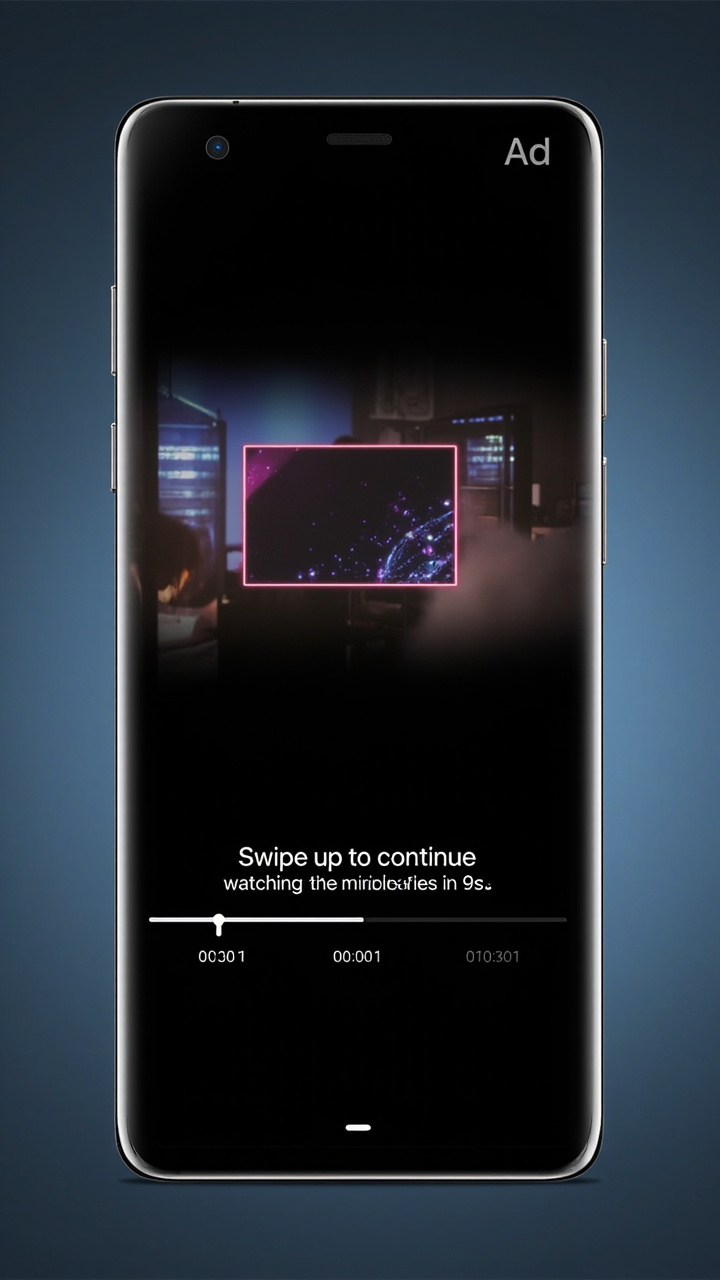
广告界面-倒计时中

准备工作

需要安装两个应用:

步骤概览

  1. 开启无线调试,启动Shizuku
  2. 安装GKD,开启无障碍服务
  3. 添加自定义规则

详细步骤

1. 启动Shizuku

  1. 打开手机的 设置 → 关于手机,连续点击版本号7次开启开发者模式
  2. 进入 开发者选项,开启 无线调试
  3. 打开Shizuku,点击”通过无线调试启动”
  4. Shizuku会自动连接并启动

2. 安装GKD

下载安装GKD后,打开应用,开启无障碍服务。

3. 添加规则

在GKD中添加红果免费短剧的规则:

包名: com.phoenix.read

规则组1:广告-可直接上滑

1
2
3
4
5
6
7
8
9
10
11
12
13
14
15
16
17
18
{
key: 1,
name: '广告-可直接上滑',
fastQuery: true,
matchRoot: true,
rules: [
{
key: 1,
action: 'swipe',
swipeArg: {
start: { x: 'screenWidth/2', y: 'screenHeight*0.7' },
end: { x: 'screenWidth/2', y: 'screenHeight*0.3' },
duration: 300,
},
matches: ['[text="广告"][visibleToUser=true]'],
},
],
}

规则组2:广告-倒计时中

1
2
3
4
5
6
7
8
9
10
11
12
13
14
15
16
17
18
19
20
21
22
23
24
25
26
27
28
29
30
31
32
33
34
35
36
37
38
39
40
{
key: 2,
name: '广告-倒计时中',
fastQuery: true,
actionMaximum: 1,
resetMatch: 'activity',
actionCd: 5000,
rules: [
{
key: 1,
action: 'back',
matches: ['[text*="s后可继续"][visibleToUser=true]'],
},
{
key: 2,
preKeys: [1],
action: 'click',
matches: ['[text="我的"]'],
},
{
key: 3,
preKeys: [2],
action: 'click',
matches: ['[text*="看到"]'],
},
{
key: 4,
preKeys: [3],
actionDelay: 1500,
matchRoot: true,
action: 'swipe',
swipeArg: {
start: { x: 'screenWidth/2', y: 'screenHeight*0.7' },
end: { x: 'screenWidth/2', y: 'screenHeight*0.3' },
duration: 300,
},
matches: ['[visibleToUser=true]'],
},
],
}

规则说明

  • 规则1:检测到”广告”文字,直接上滑跳过
  • 规则2:检测到倒计时(如”9s后可继续上滑”),自动返回,点击”我的”,点击”看到”的封面,等待1.5秒后上滑进入下一集

相关链接